
Is your website ready for Agentic Browsing? It’s easy to check.

Read Time:
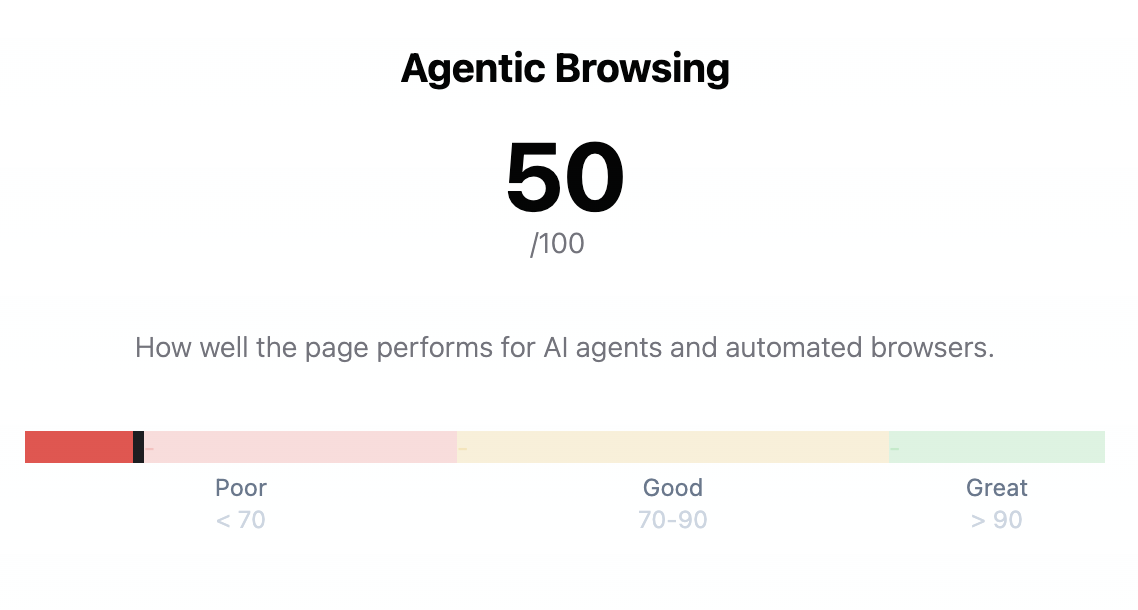
Google’s Lighthouse now grades your website on how well AI agents can use it, and most operators haven’t seen the grade. Last week, the Lighthouse team shipped a new top-level category called Agentic Browsing which measures how well the page performs for AI agents and automated browsers.
Agentic visitors are growing fast. Cloudflare’s April 2026 Radar data put website bot traffic at 32% of all HTTP requests, with AI crawlers at 22% of that bot share.
Let’s take a deeper look at the Agentic Browsing category, then we’ll show you how to see these results in ONIK’s Scorecard.
can an AI agent use your page? four new audits
This new Agentic Browsing category includes four checks:
- Agent accessibility
Uses the browser’s accessibility tree to help agents understand page elements, such as buttons, links, labels, and decorative content. If screen readers rely on it, agents likely will too. - Layout stability
Reuses Cumulative Layout Shift. Shifting layouts are annoying for humans, but they can break agents completely: an agent may target one element, then click the wrong place after the page moves. - WebMCP
An emerging W3C draft that lets websites expose callable tools directly to AI agents, such assearch_productsorcheck_inventory, instead of forcing agents to guess their way through forms, screenshots, or APIs. WebMCP helps agents interact with your site, and will be best used in user-visible, human-in-the-loop tasks on a live webpage. - llms.txt
An LLM friendly site summary at/llms.txttells the LLM what the site does, what matters, and what is off-limits. Similar to robots.txt but for LLMs, this file summarizes key content to help LLMs understand and navigate your site.
Accessibility and Layout Stability are two well known standards in UX and can negatively impact both human and agentic visitors. Said another way, a good healthy website is good for humans and AI. Additionally, AI can use other traditional tools like robots.txt, sitemaps, and your regular content.
New Tools for AI:
WebMCP and llms.txt are both emerging standards and are not yet widely adopted. Fewer than 0.5% of the pages we test are using the llms.txt, and even fewer have WebMCP. However; the opportunity is now. LLLMs.txt is very easy to implement, with WordPress plugin options available. (We use RankMath’s llms.txt feature, Yoast SEO has this feature too).
WebMCP is designed to really help Agentic interactions, and is currently in early preview status in Chrome. Here are a couple of great resources if you’d like to learn more:
- WebMCP in action: Sarah Drasner has prepared an awesome WebMCP overview and demo site.
- If YouTube is more your thing, Build your website for the Agentic Era by Kasper Kulikowski from Google IO is a great presentation
Get your Agentic Browsing scorecard
The Agentic Browsing audits are now available in every ONIK scorecard alongside Performance, Accessibility, SEO, and Best Practices. ONIK Scorecard is an easy way to explore your score, and monitor it for changes.
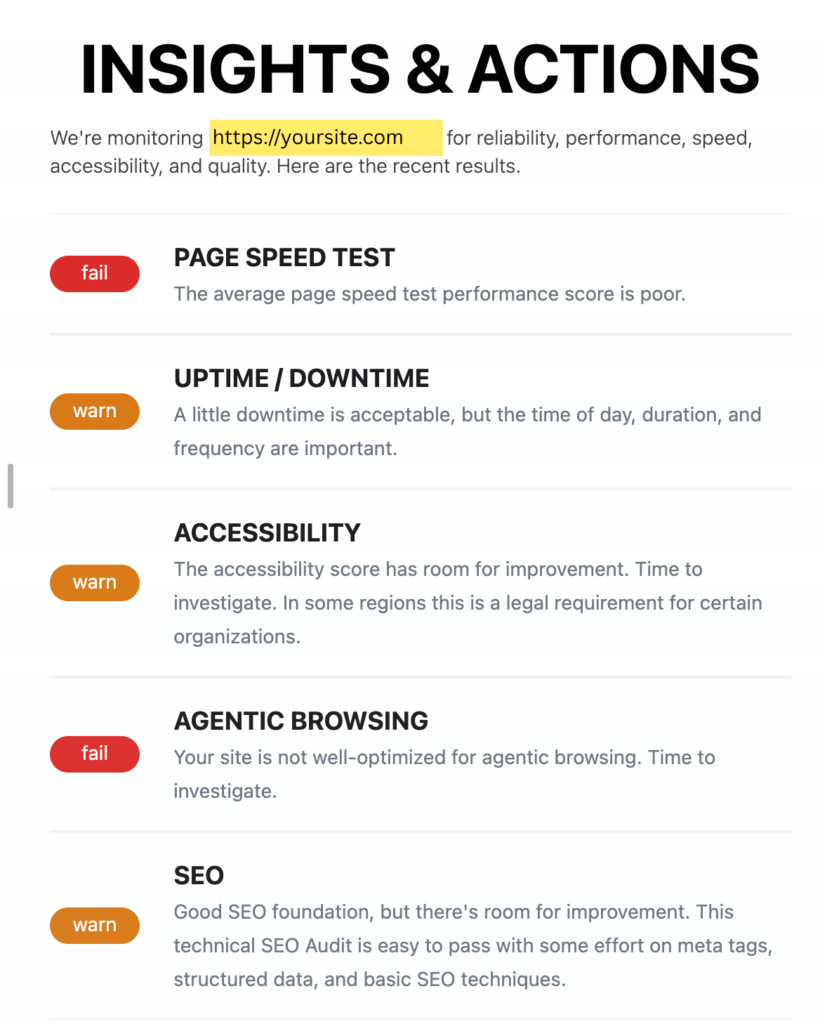
Insights and Actions are delivered directly to your inbox and in your scorecard dashboard.
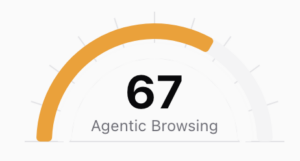
In addition, you also see a trackable Agentic Browsing score (/100) based on the features you choose to implement. If you choose not to implement WebMCP or LLMS.txt there’s no penalty.
Lastly, Drill deep into any failed audit to understand why it failed and how to improve.

What makes a site agent-friendly?
This Build agent-friendly websites article on web.dev does an excellent job explaining how agents view websites, and shares why visual stability and accessibility are also core to AI agents.
- Agents need clean machine-readable signals. They use screenshots, HTML, and the accessibility tree to understand what a page contains and what actions are possible.
- Visual design alone is not enough. Complex hover states, shifting layouts, transparent overlays, and non-semantic elements can make a site confusing or unusable for agents. (And humans)
- Semantic HTML matters more than ever. Use real buttons, links, labels, roles, and form associations so agents can reliably understand intent.
- Stable layouts reduce broken actions. If buttons, forms, or key content move around after load, agents may misread the page or click the wrong thing.
- Agent-ready is human-ready. The same improvements that help agents also improve accessibility, usability, and overall site quality.
In addition, there are other AI Bot and Agent controls you may wish to implement. These are not yet tested by lighthouse, but are also emerging practices.
- AI Bot Specific Rules in Robots.txt can control which pages AI bots can access, and if content can be used for searching and/or training.
- Markdown Negotiation – Serve site content as markdown when requested, making it easier for LLMs to parse and read.
NEXT STEPS
What we’re stoked about is making sites agent friendly ultimately makes them a better experience for humans. Here are some steps you can take to improve both.
- Sign-up to ONIK Scorecard to see your Agentic Browsing score, Insights, and Actions.
- Learn more about building agent-friendly websites, implementing llms.txt, and WebMCP